SET STANDARD · Preparation guides
Pilot Simulator Assessment: What to Expect and How to Prepare
Updated October 2026
For many candidates the simulator assessment is the most stressful part of airline selection. It is also the stage where preparation pays off most directly, because the profiles are structured, the skills are trainable and the grading criteria are closely linked to the competencies airlines already use in recurrent training.
This page explains how a typical sim check is built, how raw data flying and crew roles are assessed, what the assessor is writing down while you fly and which errors appear again and again. The aim is not to give you a script, but to help you arrive with the right habits.
How a simulator assessment is organised
Most sim checks start with a briefing in which the assessor explains the scenario, the aircraft configuration and the division of roles. You will usually fly with another candidate or with a trained pilot acting as your colleague. Some airlines give a short familiarisation period before the graded part, especially for candidates without the type.
The session itself commonly lasts between one and two hours, sometimes split so that each candidate flies as pilot flying and as pilot monitoring. A debrief may follow, although many airlines do not share the result on the day.
Typical profiles you may be asked to fly
Profiles vary by airline and by candidate group. Cadet and non-type-rated campaigns focus on basic instrument flying and situational awareness. Type-rated campaigns may resemble an operator proficiency check, including non-normal procedures and an engine failure at a critical moment.
Whatever the profile, the building blocks are familiar: accurate attitude flying, sensible energy management, correct navigation and disciplined procedures.
- Take-off and standard instrument departure, often hand-flown
- Climbs, descents and turns to assigned headings and levels
- Holding pattern with entry and timing
- Precision approach (ILS) and sometimes a non-precision approach
- Go-around and missed approach procedure
- For type-rated candidates: engine failure, system malfunctions, possibly a single-engine approach
Flying raw data: the core skill
Raw data means flying without the flight director and often without autothrust, using basic instruments and navigation indications only. It reveals your instrument scan, your pitch-and-power knowledge and your ability to anticipate rather than chase the needles.
Know the approximate pitch attitudes and thrust settings for the main phases of flight in the aircraft you will fly. With those numbers in your head, you set a known attitude and power, then make small, deliberate corrections. Candidates who fly by reacting to every trend movement tend to oscillate and lose capacity for everything else.
- Use a structured selective radial scan centred on the attitude indicator
- Trim properly; an untrimmed aircraft steals mental capacity
- Plan the descent and deceleration early to avoid rushed approaches
PF and PM roles and the crew environment
A simulator assessment is a multi-crew exercise. As pilot flying you control the flight path and lead the operational decisions; as pilot monitoring you handle radio, checklists, configuration changes on request and, above all, active monitoring of the flight path.
Assessors pay close attention to how well the roles are kept. A PF who also tunes radios and runs checklists is overloaded and signals weak task sharing. A PM who stays silent while the speed decays has failed one of the most important duties in the cockpit.
What assessors actually grade
Grading sheets differ between airlines, but they are usually built around the same competency framework used in evidence-based training. The assessor observes behaviours and links them to competencies rather than simply counting deviations.
Limits still matter. Large or repeated deviations in altitude, heading or speed are noted, but so is the way you detect and correct them. Recognising a deviation, saying it out loud and fixing it calmly is evidence of good situation awareness and flight path management.
- Flight path management: manual accuracy and appropriate use of automation
- Application of procedures: SOPs, checklists, callouts, limitations
- Communication and teamwork: clear briefings, assertive and respectful exchanges
- Situation awareness and workload: anticipation, prioritisation, spare capacity
- Problem solving and decision making: structured handling of non-normal events
CRM and decision making under pressure
When something goes wrong in the sim, the assessor is less interested in how fast you press buttons and more interested in how you manage the situation. Fly the aircraft first, establish a safe state, then use a structured decision model to diagnose, consider options and decide with your colleague.
Share your mental model aloud. Brief changes in plan clearly, ask for input and confirm actions before irreversible steps. These habits are exactly what airlines want to see in line operation.
Common errors and how to avoid them
Most sim check failures follow familiar patterns. The good news is that each of them can be trained out with deliberate practice and honest feedback from an instructor. SET STANDARD's airline-specific assessment guides describe the profiles and expectations reported for each operator, so you can rehearse the right scenario rather than a generic one.
- Fixating on one instrument and losing the overall picture
- Over-controlling in pitch, leading to altitude and speed oscillations
- Starting the approach high and fast without a plan to recover
- Skipping or rushing briefings and checklists under time pressure
- Acting alone and ignoring the other pilot during a non-normal event
- Arriving without having practised in a comparable simulator type
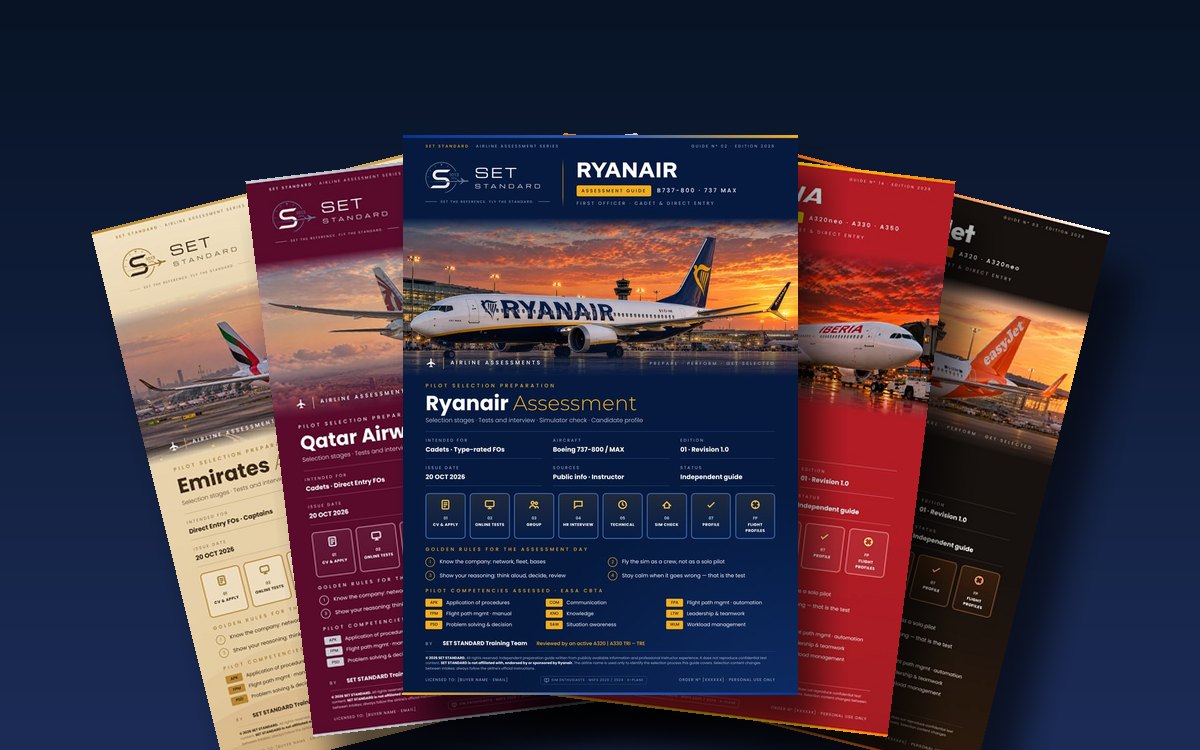
Airline-specific assessment guides
158 operator guides in the catalogue, 95–235 pages each, edition 2026: process, tests, interview, technical refresher and simulator profile.
Choose your airlineFrequently asked questions
Which aircraft type is used for the simulator assessment?
It depends on the airline. Many use a simulator of their own fleet, such as an A320 or a B737; some use a generic or lower-level device. The invitation usually states the type.
Do I have to fly with the autopilot off?
Often yes for at least part of the profile. Raw-data manual flying is common, but you may also be asked to use automation correctly, which is assessed just as seriously.
How many simulator sessions should I book before the assessment?
It depends on recency and experience. Several sessions spread over a few weeks usually work better than one long session the day before.
Is CRM really assessed in the simulator?
Yes. Communication, task sharing, monitoring and decision making are observed throughout and are often weighted as heavily as handling accuracy.
What happens if I make a mistake during the sim check?
Mistakes are expected. What matters is that you detect the error, announce it and correct it safely. A well-managed error rarely causes a fail on its own.